

Inside the Fusion operating system
One operating architecture.
Many specialized applications.
Project teams, plant operators, manufacturers, suppliers, EPCs, investors, and policy professionals are all working from different pieces of the truth. Fusion gives the sector a practical software layer for organizing intelligence, with a persistent operating context underneath.
Sixteen capabilities. Open any one.
Each capability keeps its work in the same project context, so studies, evidence, suppliers and decisions stay connected.
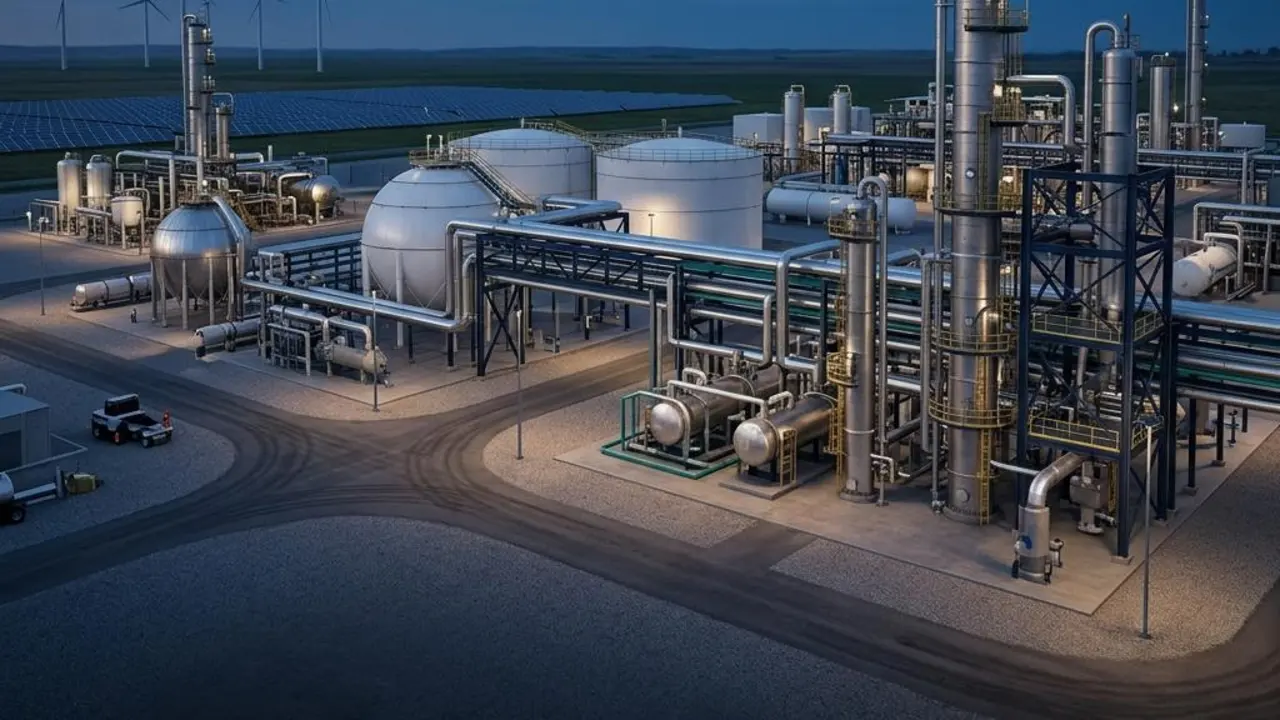
Power OS
The operating architecture underneath every application.
Power OS provides a persistent operating context where technical work stays connected rather than disappearing into disconnected files. Surfaces include Home, Start a Study, Studies, Asset Graph, Evidence Center, Method Registry, Reference Directory and Compilers.
Connected evidence
Work done here stays connected to the project context, so it can be reopened and explained later.
Power OS capabilities
Common workflow
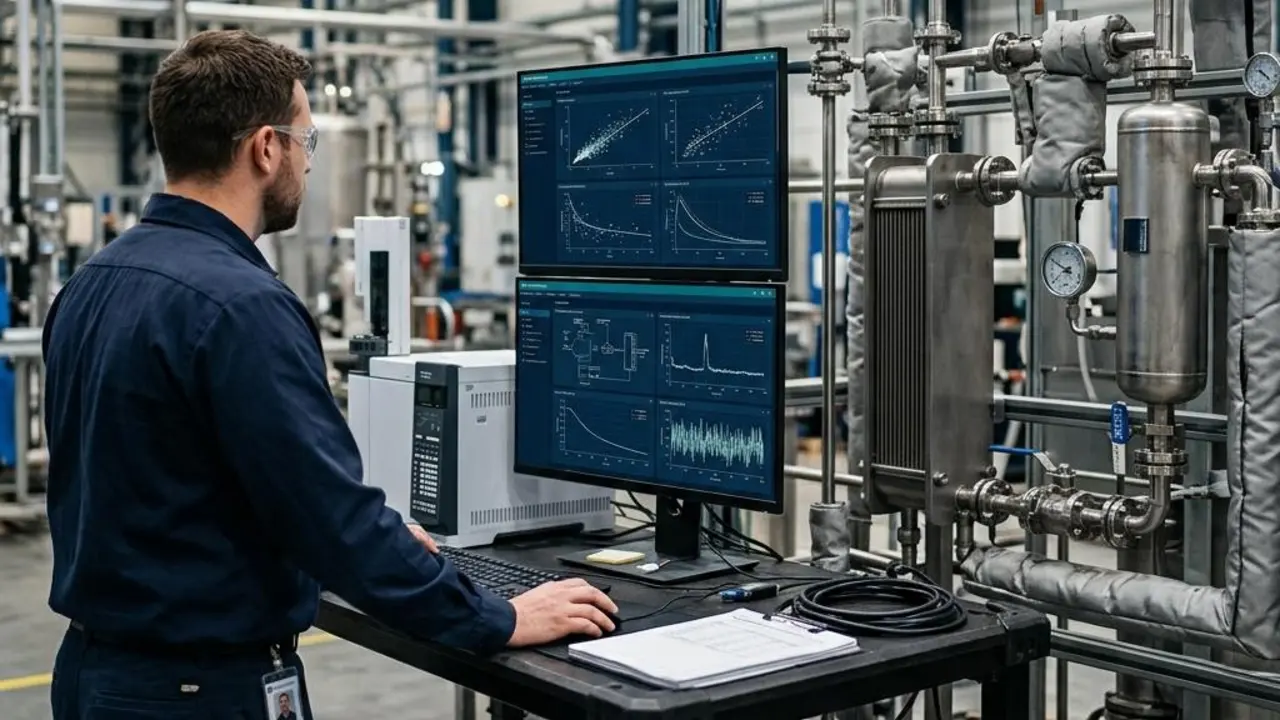
Command Center
53 specialized hydrogen tools by discipline.
Specialized tools for simulation, reliability, safety, economics, certification, supply chain, siting, grid, markets, research and data governance.
Connected evidence
Work done here stays connected to the project context, so it can be reopened and explained later.
Power OS capabilities
Common workflow
DDT
The decision and intelligence layer.
Advisor, cost optimization and simulation with evidence-grounded decision support, project context, matched internal knowledge, supplier and product connections, and confidence or consensus where supported.
Connected evidence
Work done here stays connected to the project context, so it can be reopened and explained later.
Power OS capabilities
Common workflow
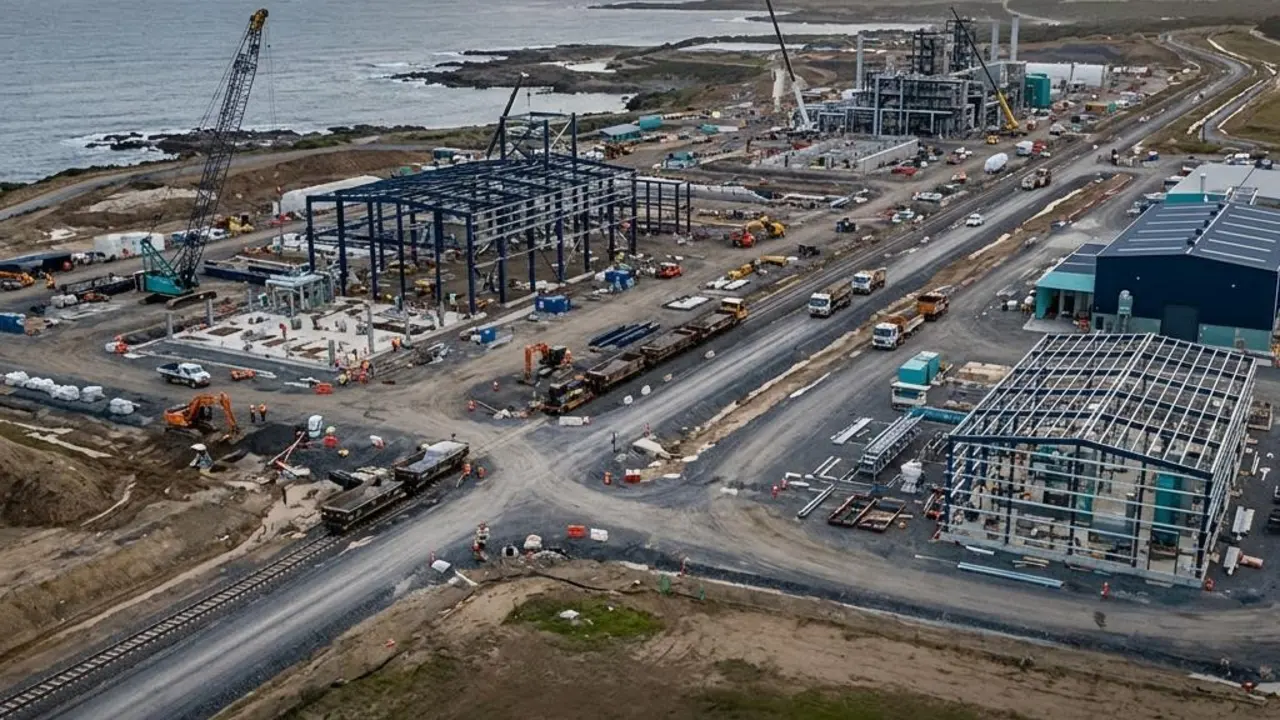
Project Atlas
Project and knowledge context.
Public project intelligence and knowledge that give teams context for projects, suppliers and assets.
Connected evidence
Work done here stays connected to the project context, so it can be reopened and explained later.
Power OS capabilities
Common workflow
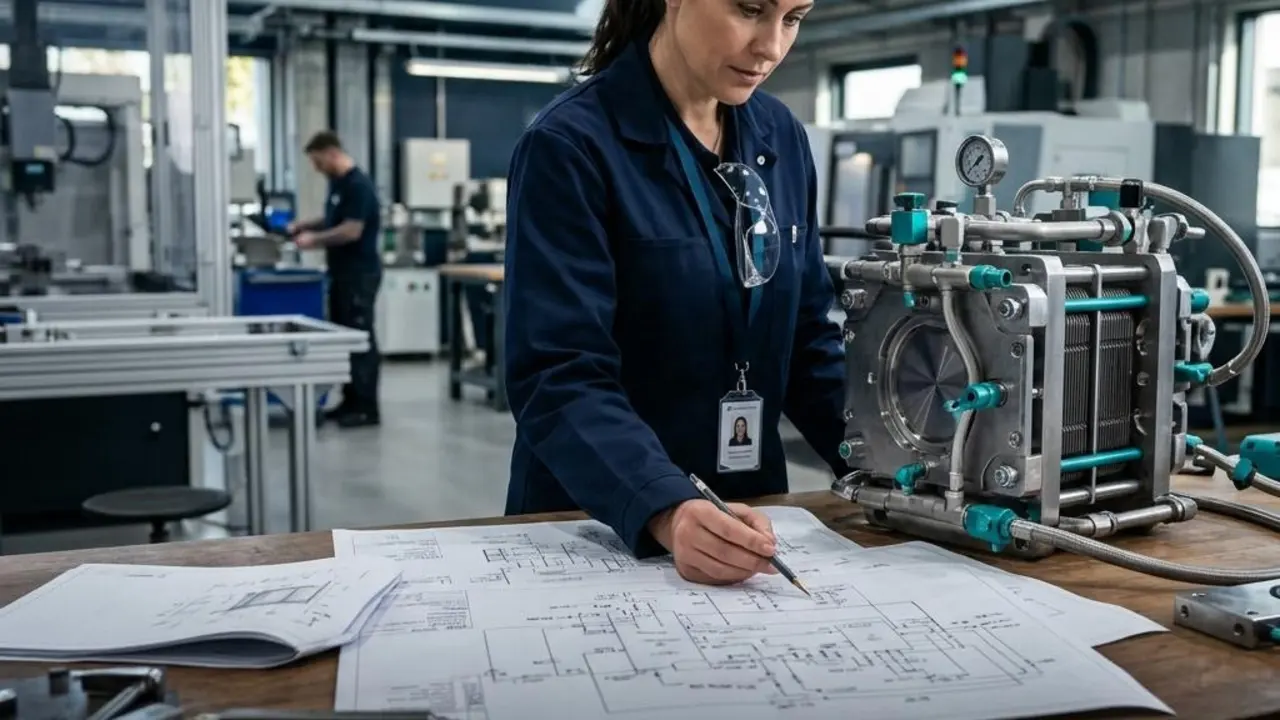
Design Studio
Compare configurations and technologies.
Explore design options against assumptions and evidence.
Connected evidence
Work done here stays connected to the project context, so it can be reopened and explained later.
Power OS capabilities
Common workflow
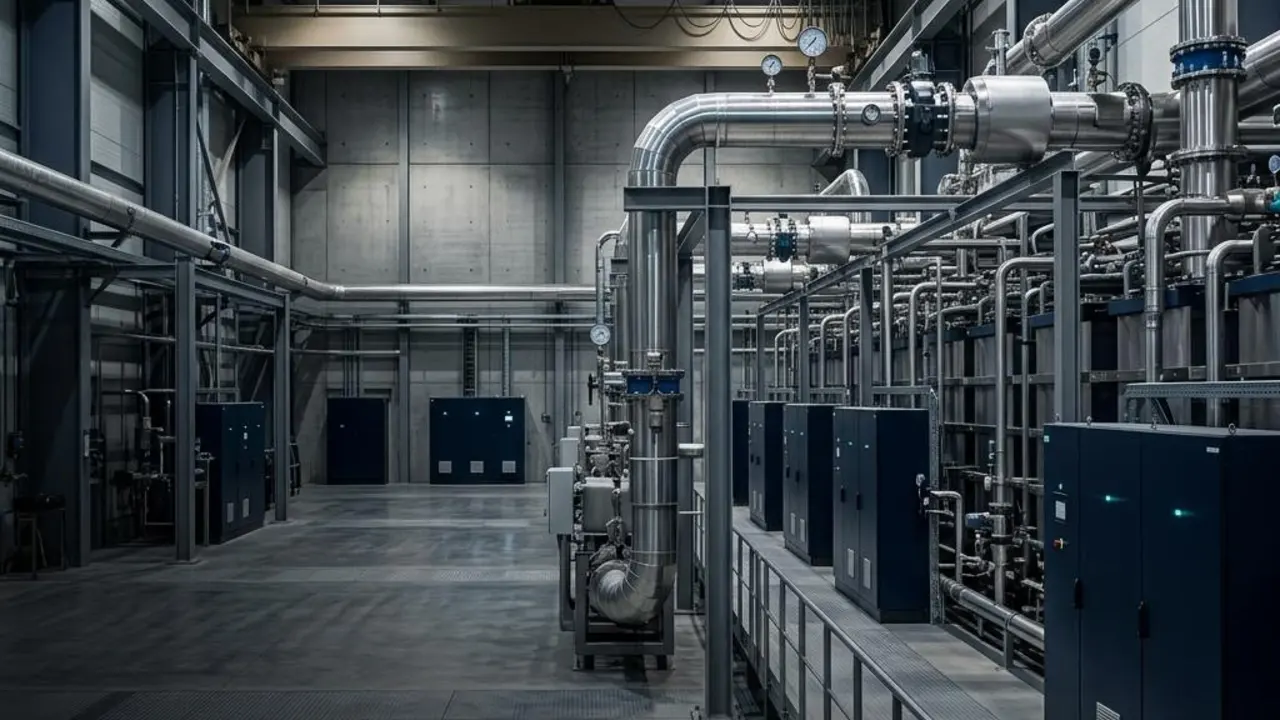
Plant Studio
Study plant behavior in context.
Assemble plant configurations and examine behavior across operating conditions.
Connected evidence
Work done here stays connected to the project context, so it can be reopened and explained later.
Power OS capabilities
Common workflow
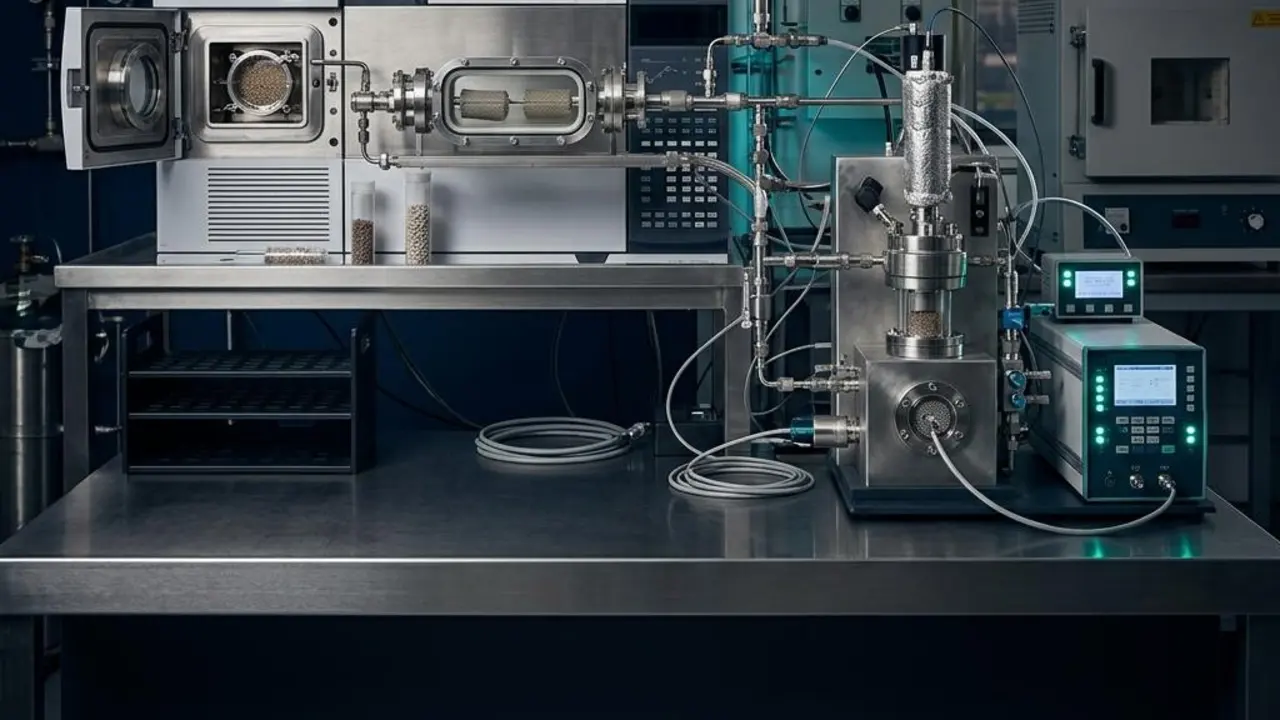
Science Laboratory
Where investigation starts.
Research, candidate screening and methods connected to downstream design.
Connected evidence
Work done here stays connected to the project context, so it can be reopened and explained later.
Power OS capabilities
Common workflow
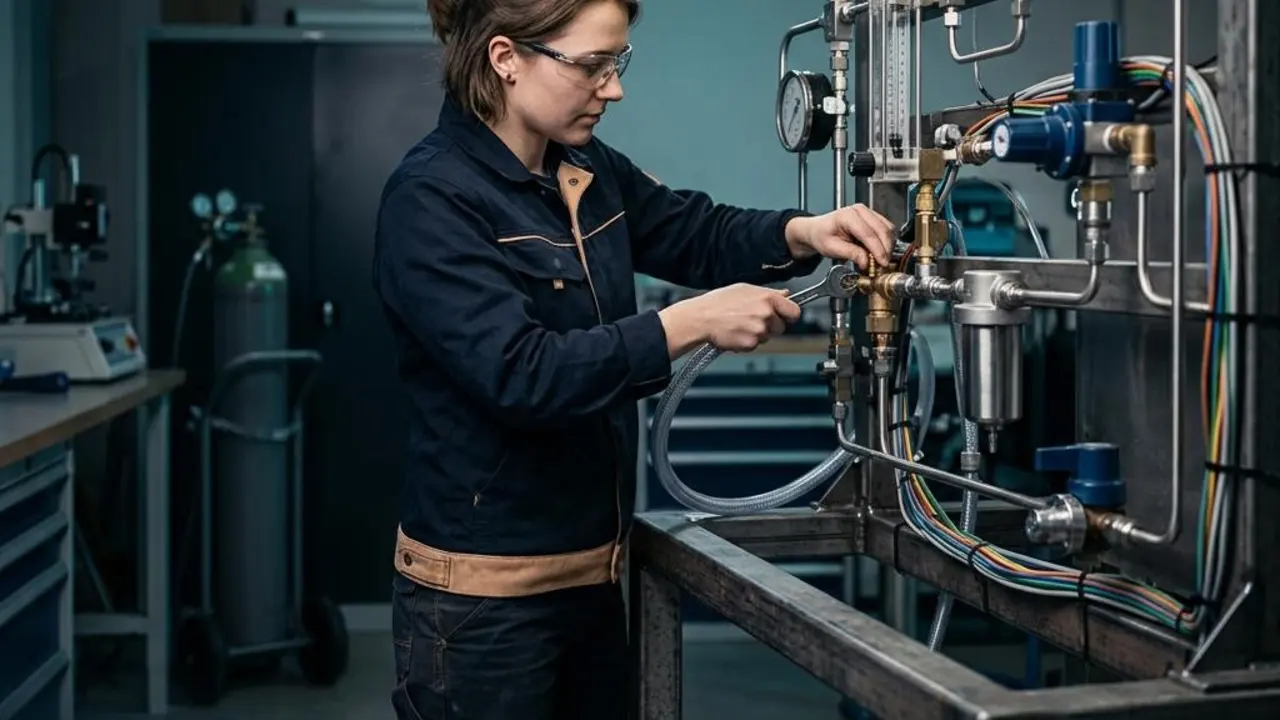
Experiments
Structured experiments with a record.
Plan and document experiments alongside notebooks and evidence.
Connected evidence
Work done here stays connected to the project context, so it can be reopened and explained later.
Power OS capabilities
Common workflow
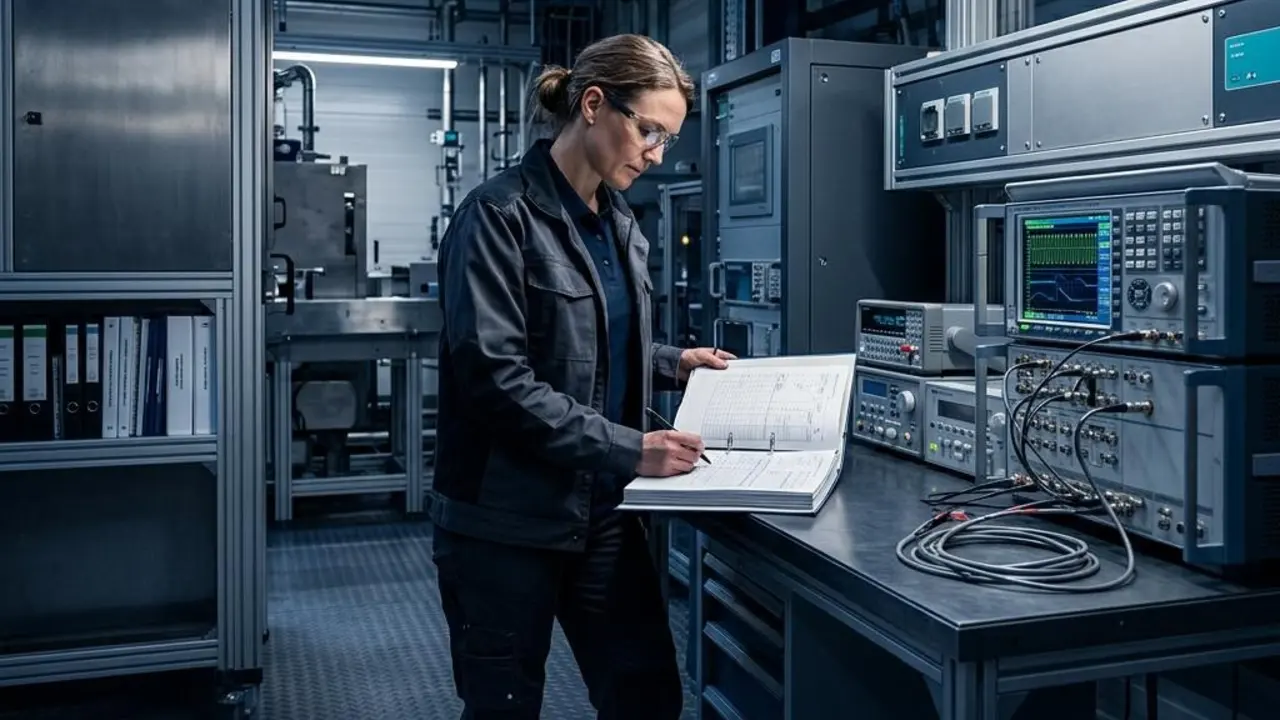
Evidence Center
The record behind every decision.
Evidence is linked to studies, assets, safety arguments and decisions.
Connected evidence
Work done here stays connected to the project context, so it can be reopened and explained later.
Power OS capabilities
Common workflow
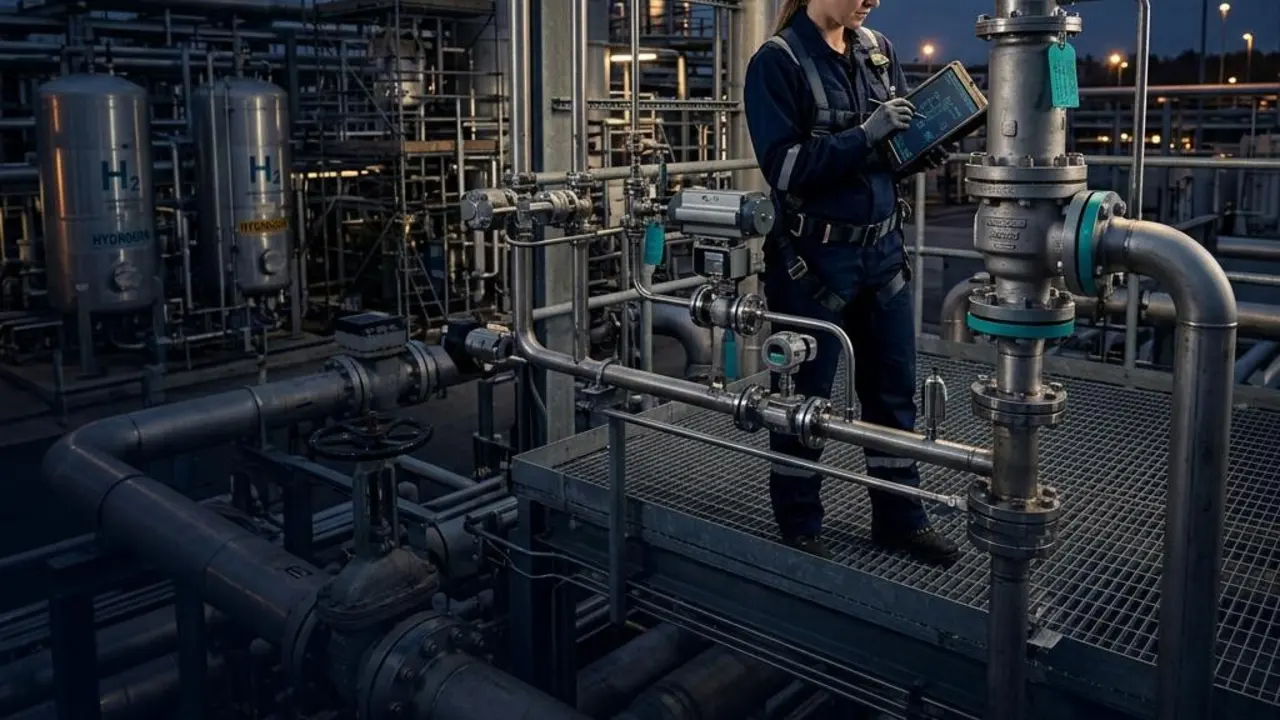
Safety Case
Hazards, barriers and evidence.
Build the safety argument with each claim tied to its evidence, in support of qualified professionals.
Connected evidence
Work done here stays connected to the project context, so it can be reopened and explained later.
Power OS capabilities
Common workflow
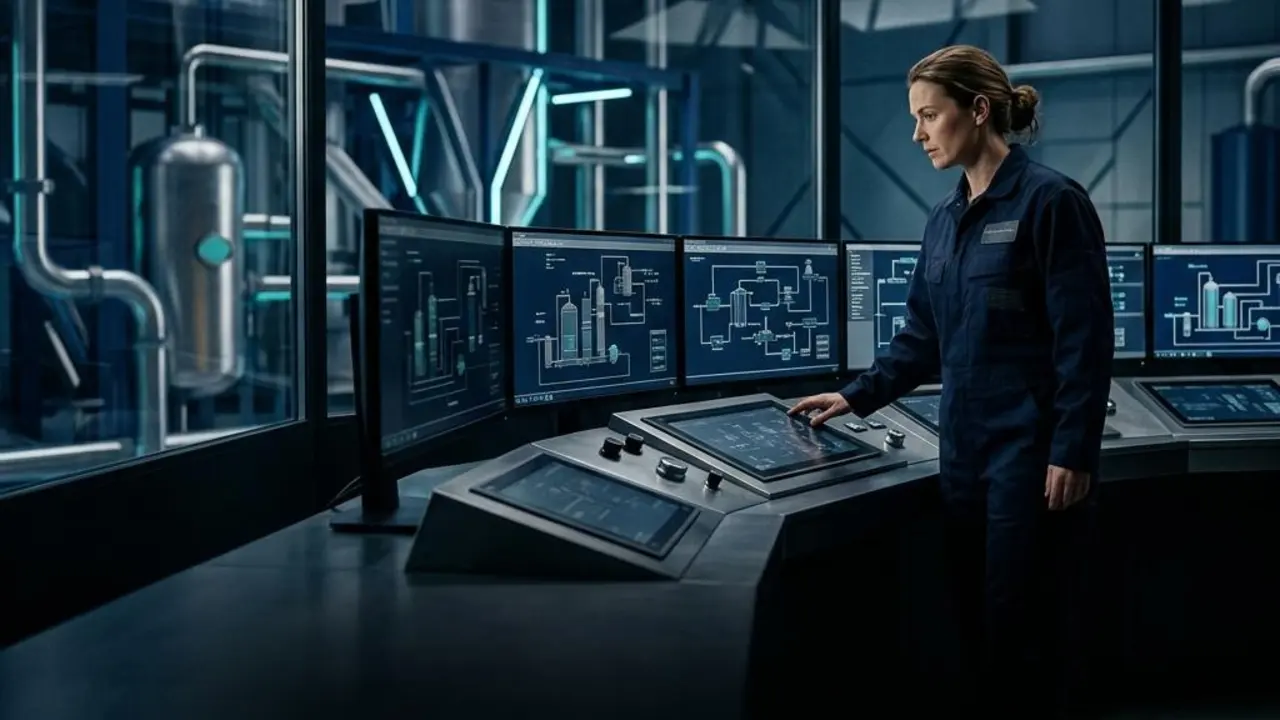
Operations Twin
Operating data into operating knowledge.
Connect equipment, conditions, events and corrective actions into operating memory.
Connected evidence
Work done here stays connected to the project context, so it can be reopened and explained later.
Power OS capabilities
Common workflow
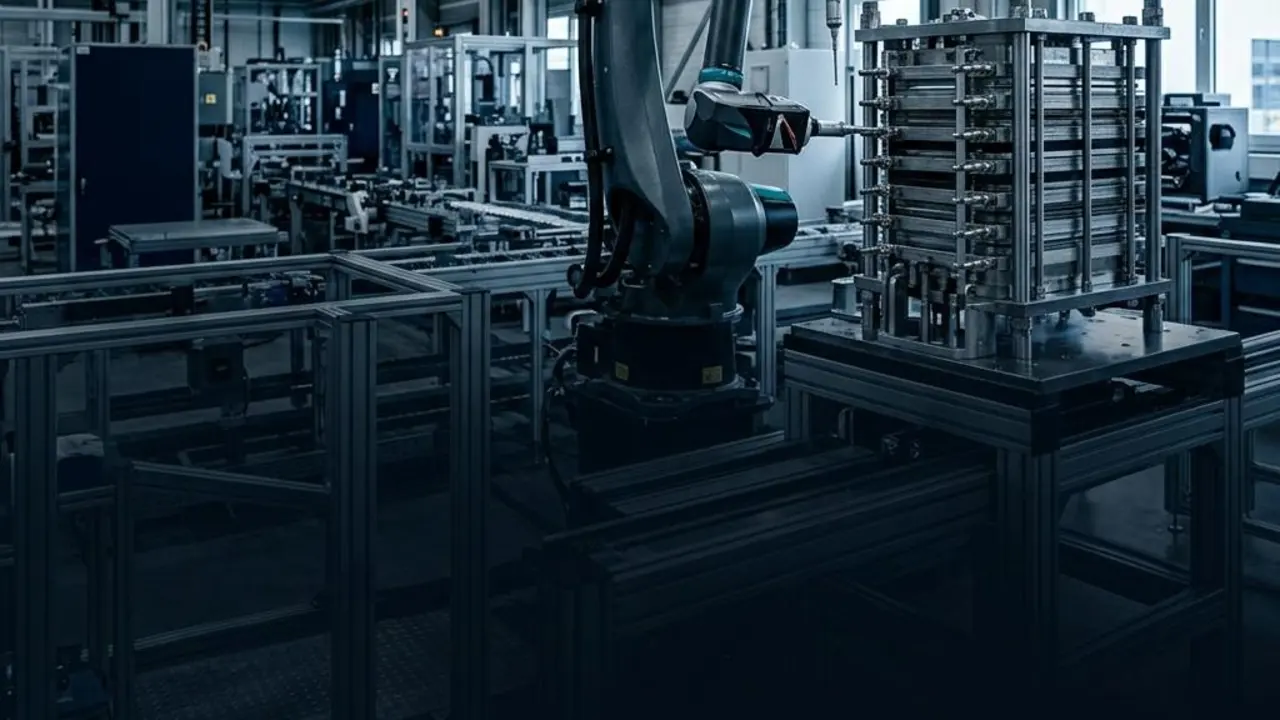
Manufacturing
From component to plant context.
Manufacturing readiness, degradation and failure learning connected to design and supply.
Connected evidence
Work done here stays connected to the project context, so it can be reopened and explained later.
Power OS capabilities
Common workflow
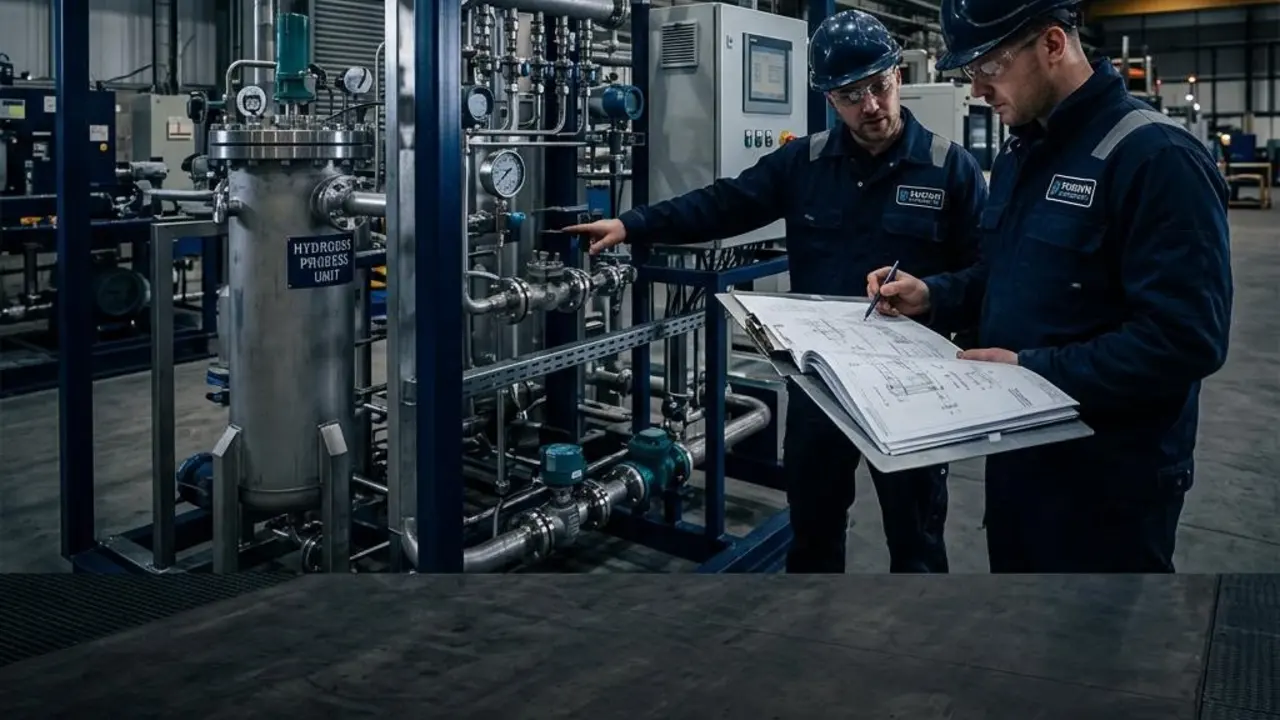
Project Delivery
Concept to commissioning.
Delivery Studio and Project Delivery organize construction, commissioning and FID readiness work.
Connected evidence
Work done here stays connected to the project context, so it can be reopened and explained later.
Power OS capabilities
Common workflow
Marketplace
Supplier intelligence inside a procurement workflow.
Compare vendors, products, logistics and capability, then take requirements toward qualification and RFQ.
Connected evidence
Work done here stays connected to the project context, so it can be reopened and explained later.
Power OS capabilities
Common workflow
Network
A hydrogen-specific professional network.
Bring producers, vendors, engineers and investors together to corroborate activity and find counterparties.
Connected evidence
Work done here stays connected to the project context, so it can be reopened and explained later.
Power OS capabilities
Common workflow
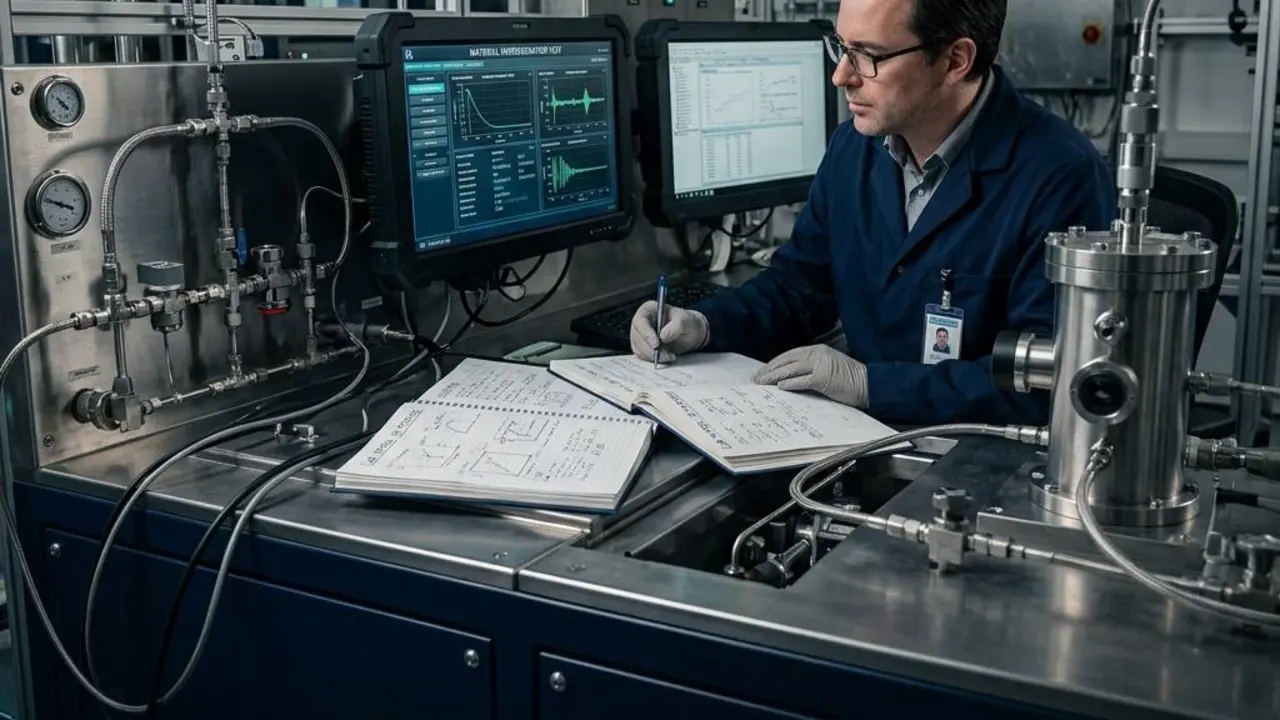
Knowledge & Research
A library of reference and research.
Research Library and reference material connected to studies and DDT.
Connected evidence
Work done here stays connected to the project context, so it can be reopened and explained later.
Power OS capabilities
Common workflow
Workflow
From question to execution.

Diagnose what is slowing execution.
Use the Data Diagnostic Tool to structure plant, manufacturing, policy, supplier, project, and market questions.
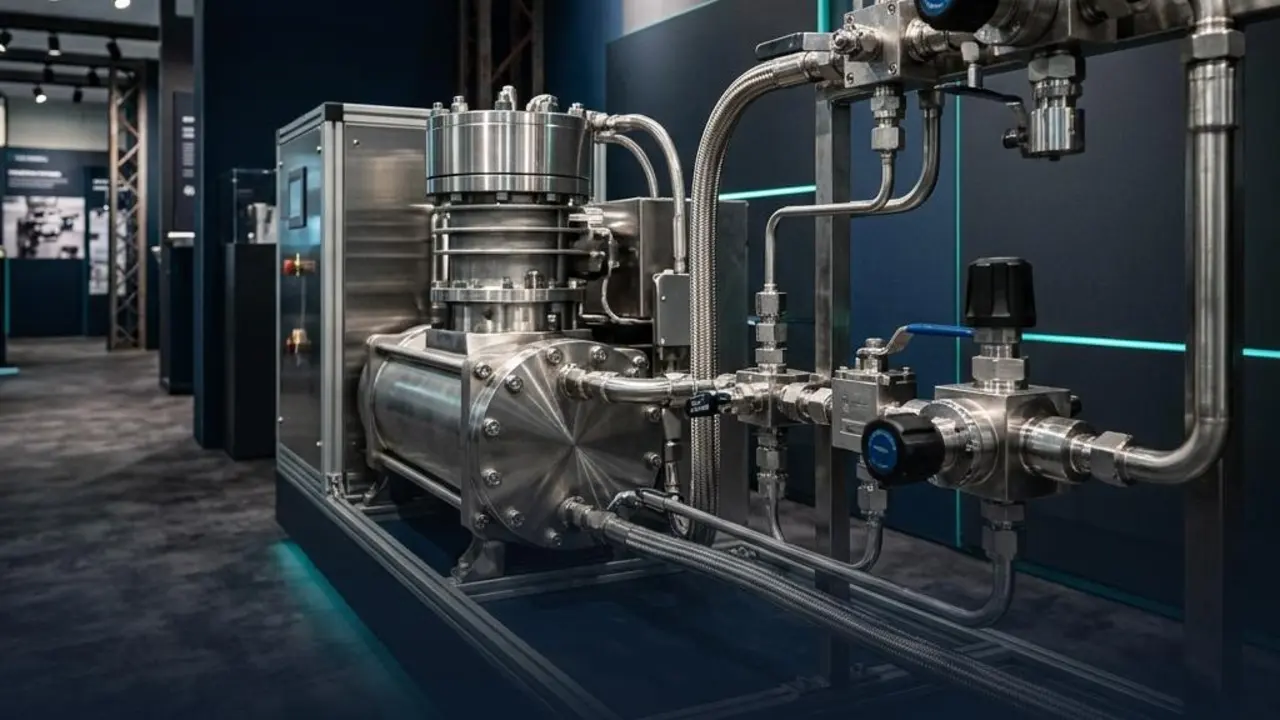
Compare the commercial path.
Use the Marketplace to review vendors, product categories, logistics, output, pricing context, and capability.
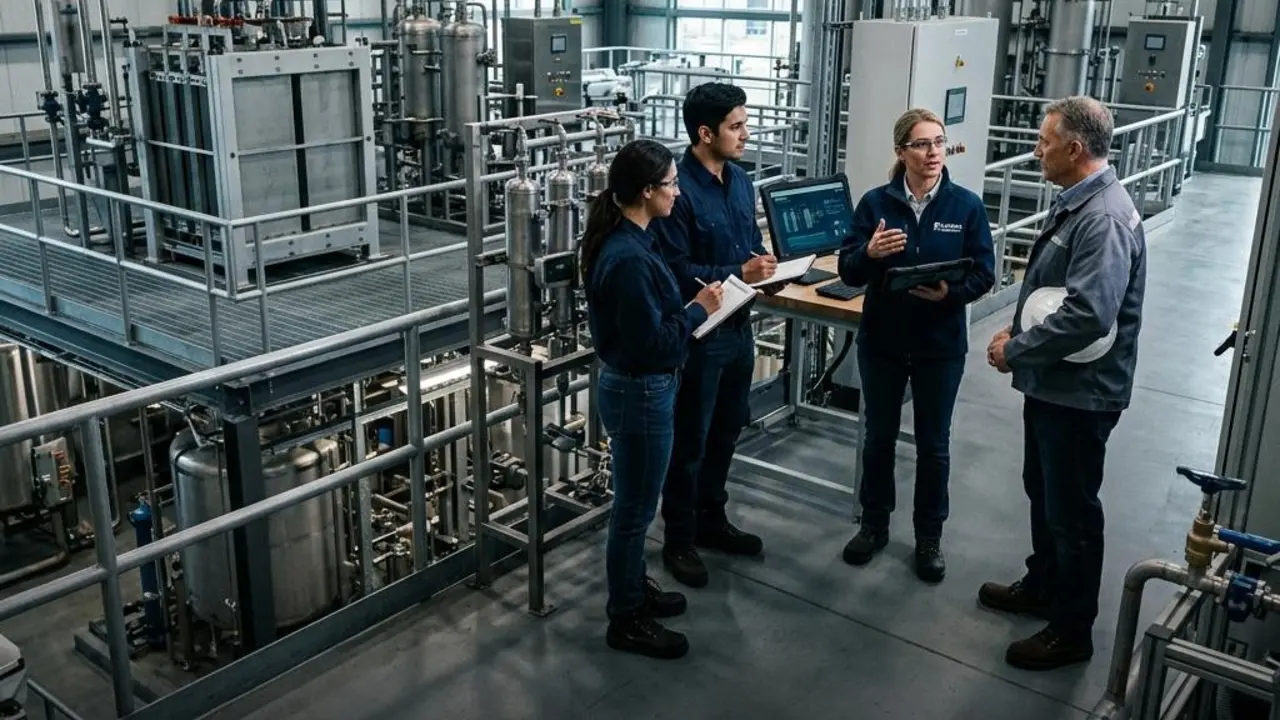
Validate with the ecosystem.
Use Fusion Network to connect with the people and companies that can confirm activity, share context, and move opportunities forward.
Built for the teams moving hydrogen from concept to scale.
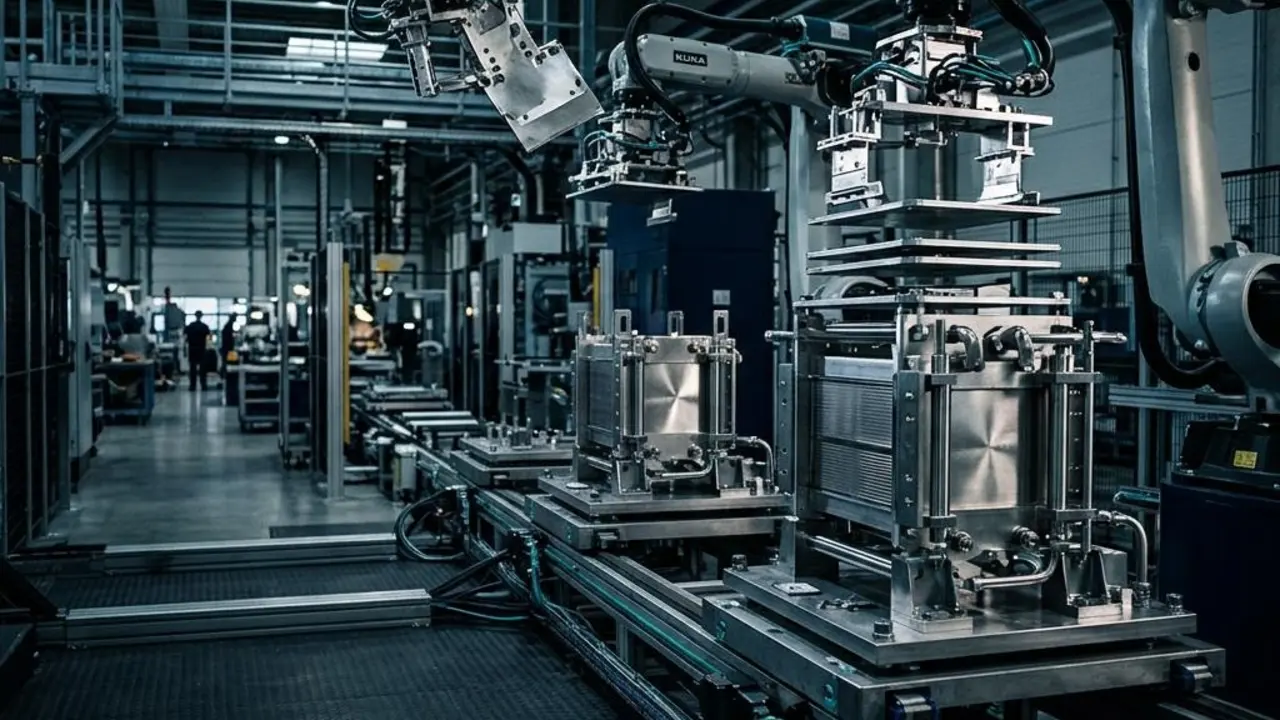
Plants & Manufacturers
Investigate cost leaks, operational constraints, supplier issues, output challenges, and commercial bottlenecks.

Project Developers
Clarify supplier options, validate project assumptions, identify commercialization gaps, and coordinate partner needs.
EPCs & Engineers
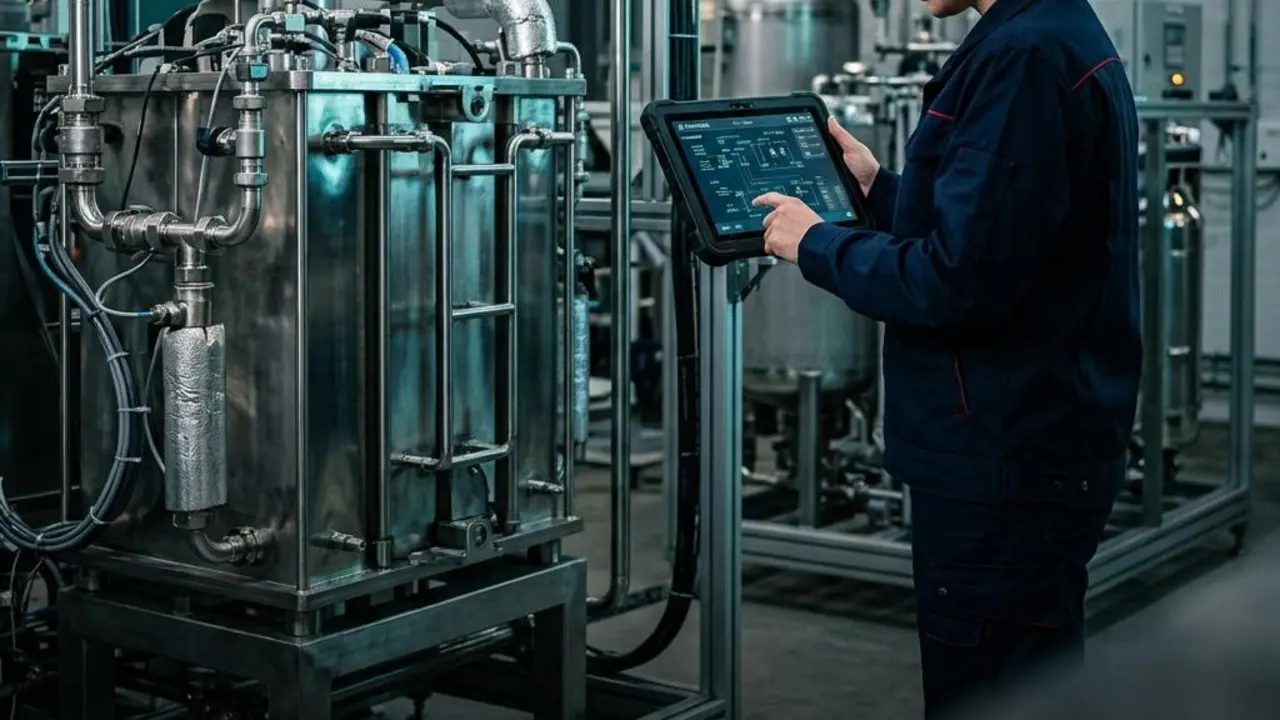
Find vendors, compare capabilities, research technical questions, and support project planning with better context.
Suppliers & OEMs
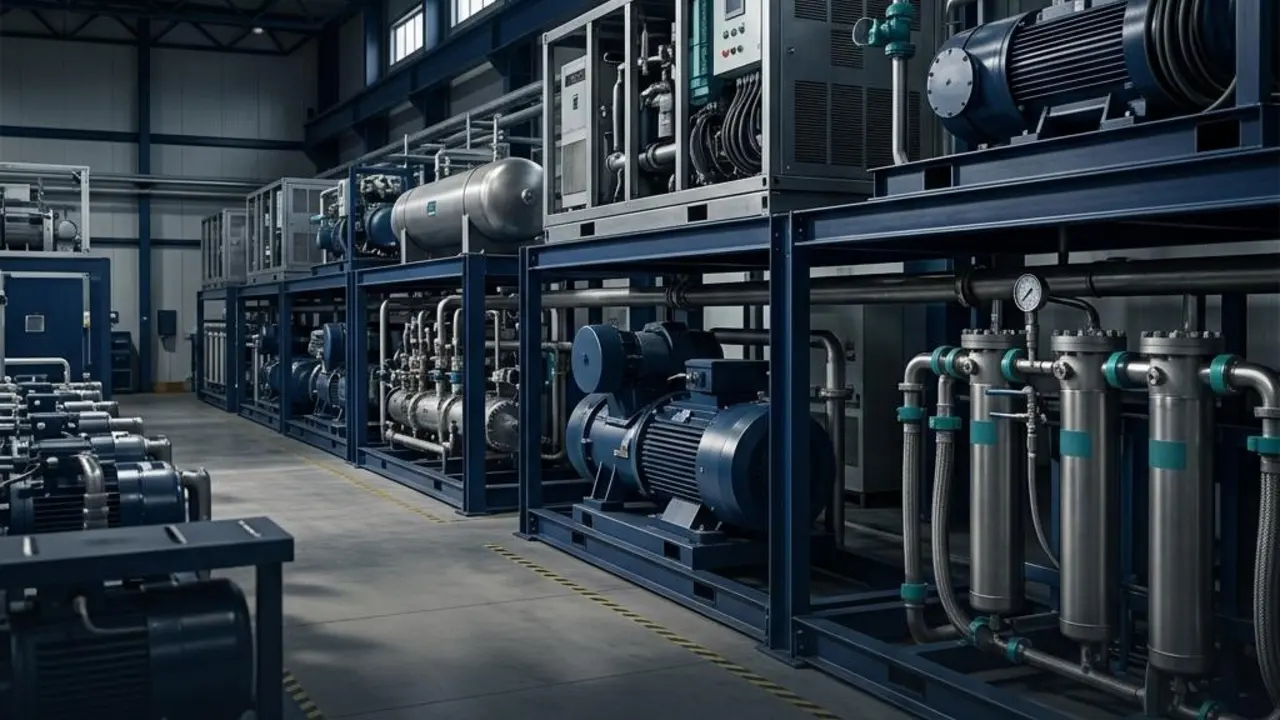
Increase visibility for equipment, components, production output, logistics, engineering services, and commercial capabilities.